Waavform
An open-source SwiftUI audio player. One line gives you a working player, and the waveform itself is the scrubber.
- Client
- Open source
- Role
- Design and engineering
- Year
- 2024
The premise
Waavform is a waveform audio player for SwiftUI, published as an open-source
Swift package. SwiftUI ships nothing like it, so the alternatives are
AVPlayer behind a progress bar that says nothing about the audio, or days
of custom rendering for what most apps treat as a minor element.
It’s a component rather than a product. That’s why it’s here: the interface and the API are equally important surfaces. It has to work in one line for someone who wants a sensible default, and bend to the pixel for someone matching a design system.
One line is the API
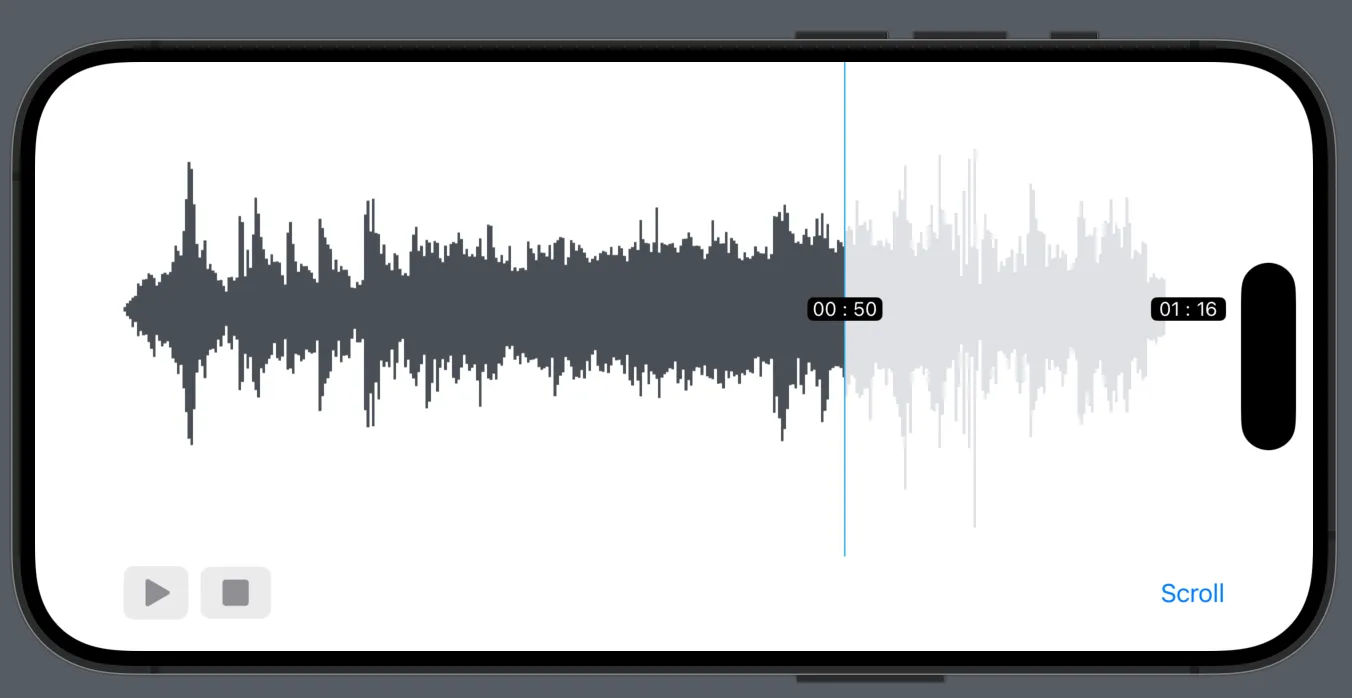
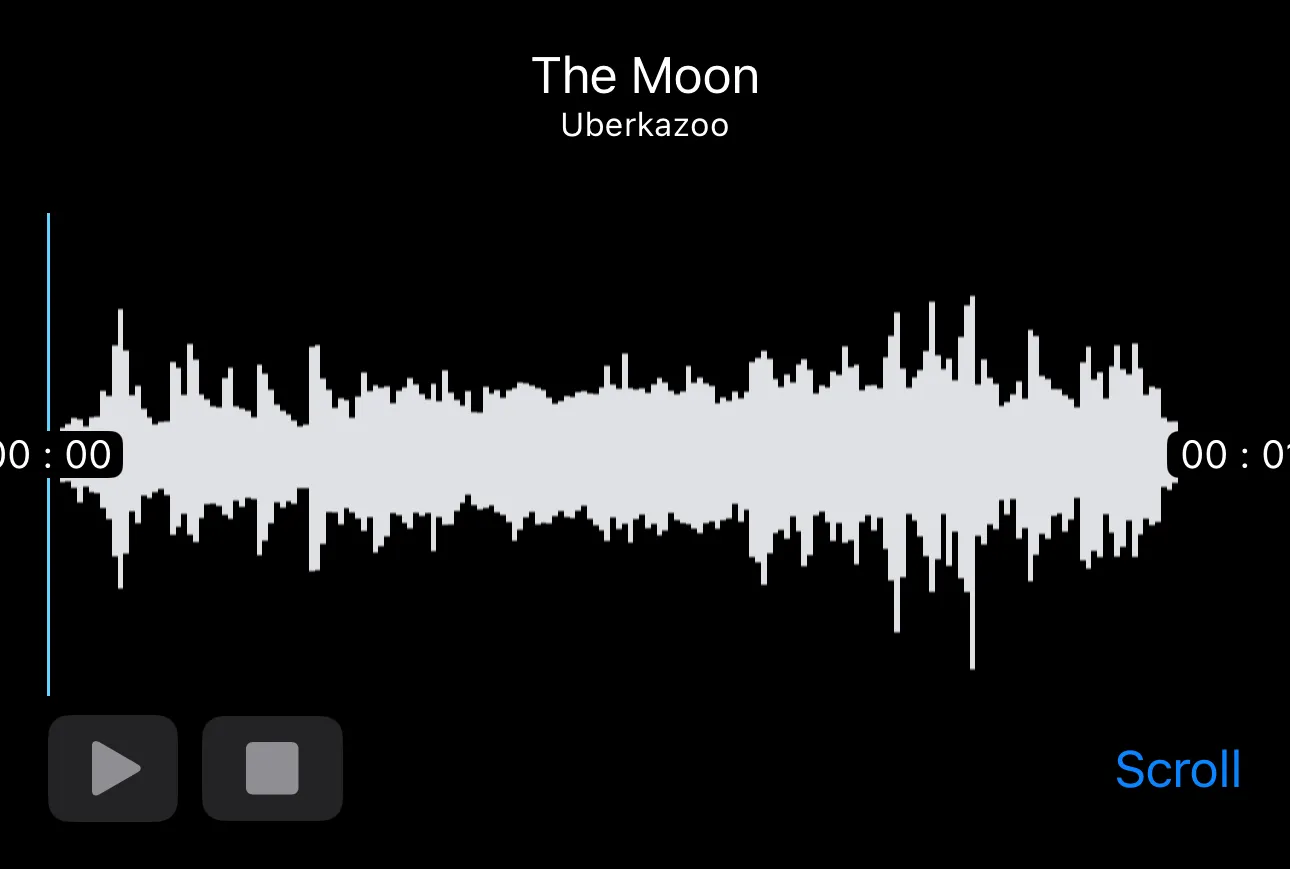
Waavform(audio: "TheMoon", type: "mp3")That is a working player: waveform, transport, timecode, view switching. Every other parameter is optional and named, so configuration deepens as you go instead of demanding decisions up front. The default is the product.
The waveform is the interface
There is no separate progress bar. Played audio fills in the progress colour, unplayed audio sits behind it, and the boundary between them is the playhead: one element is the display, the position and the control. It also means you can see the quiet part coming. The current time rides the playhead rather than parking in a timecode row, so the number sits on the thing it describes.
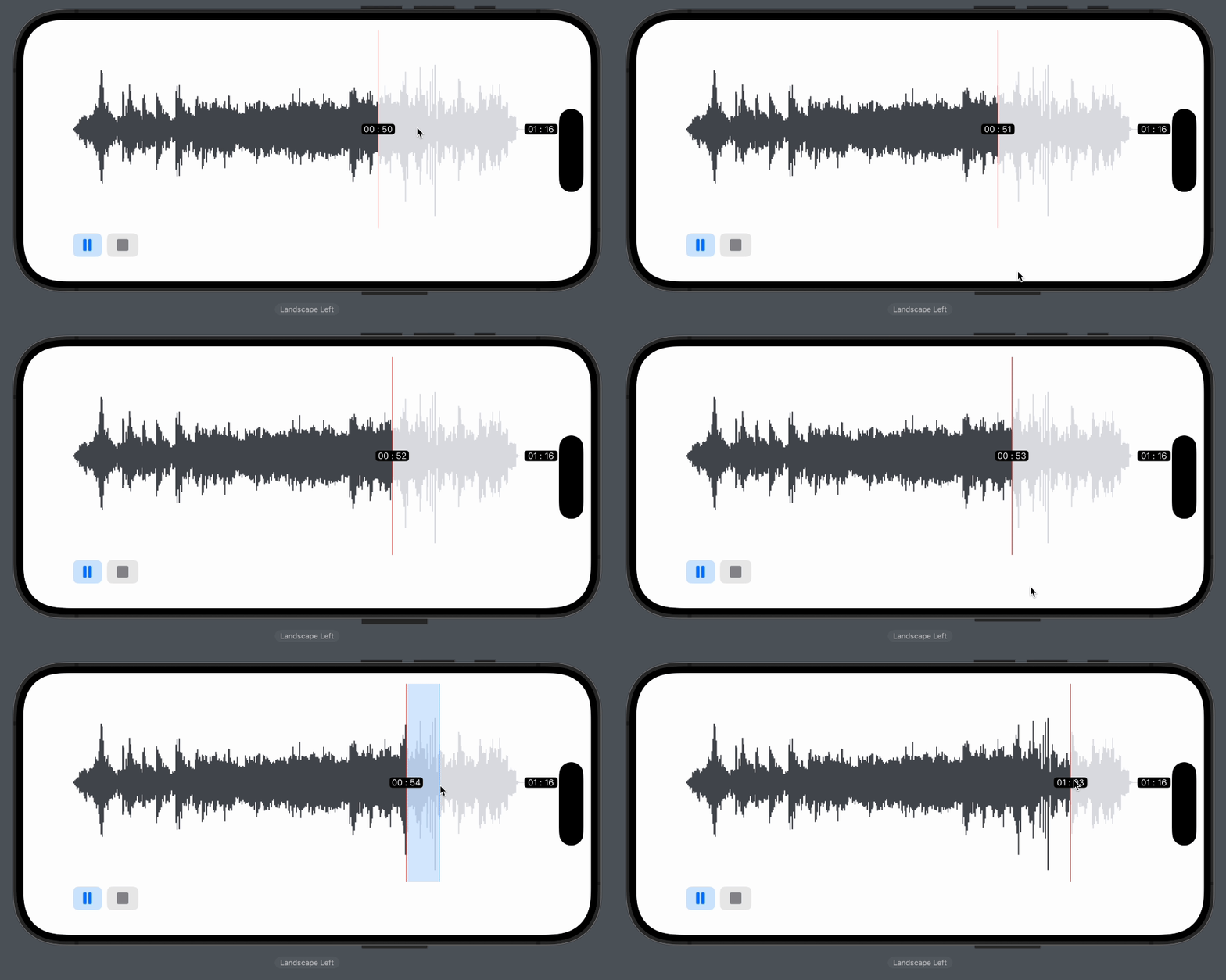
The filled region and the time label are one mechanism. There is nothing to keep in sync.
Linear and scroll
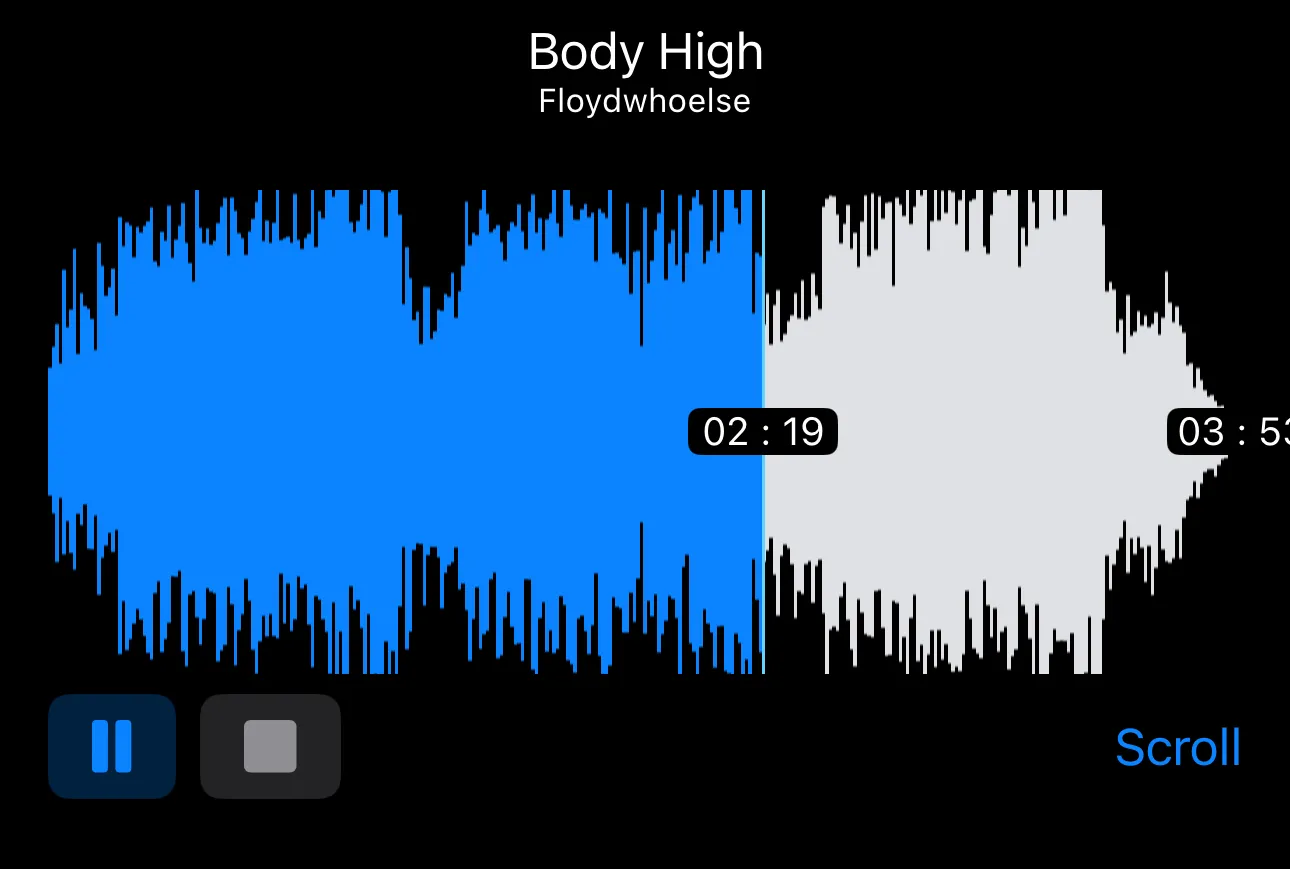
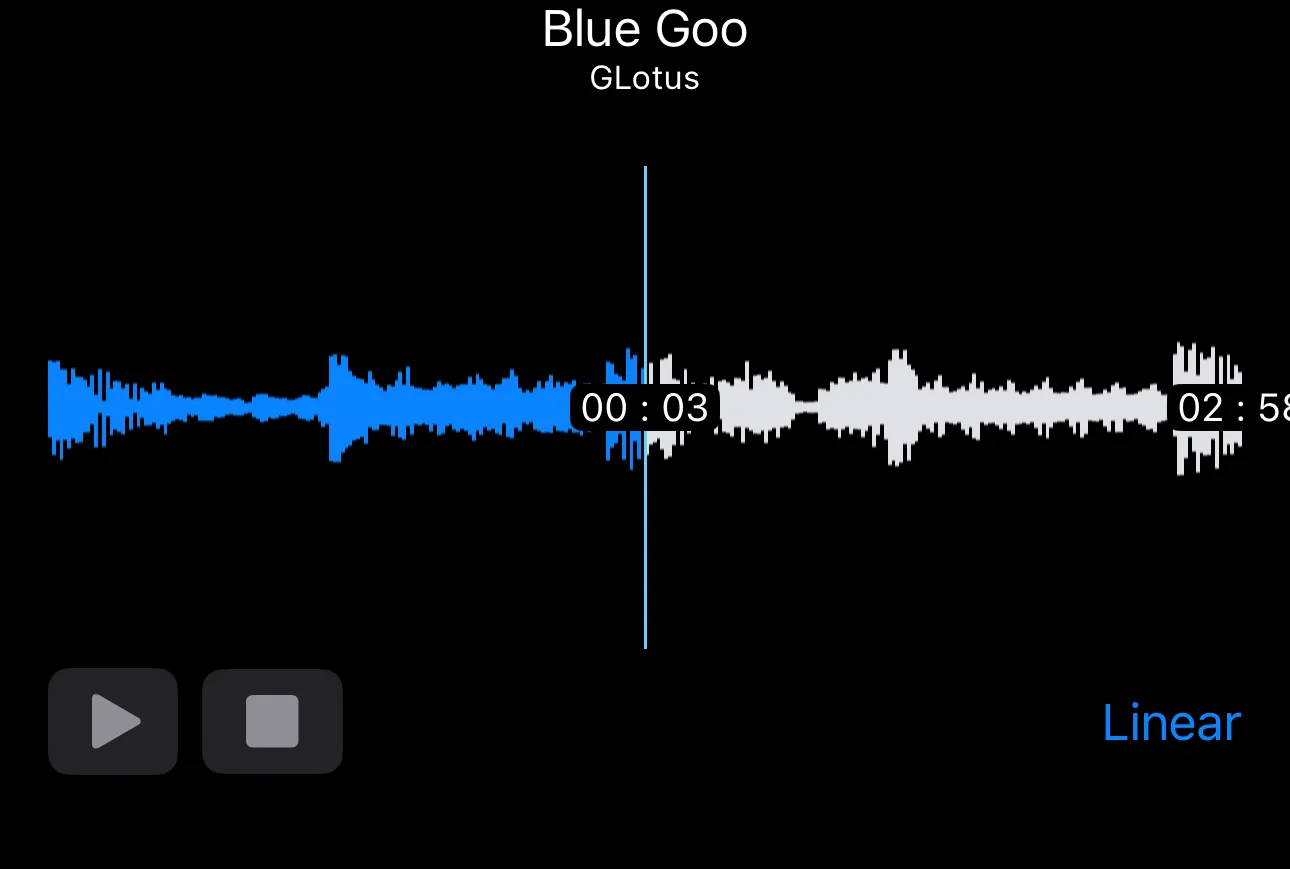
The same waveform renders two ways, and the difference is what moves. Linear fits the whole file to the view width and animates the playhead across it: the drawing holds still, the marker travels. Scroll pins the playhead at the centre and animates the waveform underneath it: the marker holds still, the drawing travels.
What follows from that is how much audio is on screen. Linear puts a five minute track in a phone width, about a third of a second in every pixel, so single hits collapse into the line. Scroll holds a window around the current position at higher magnification, so that detail has pixels to occupy and everything outside the window is off screen.
The toggle is labelled with its destination, not its current state: linear shows a Scroll button, scroll shows a Linear one. It says what pressing it will do, so you never have to work out which view you are in first.
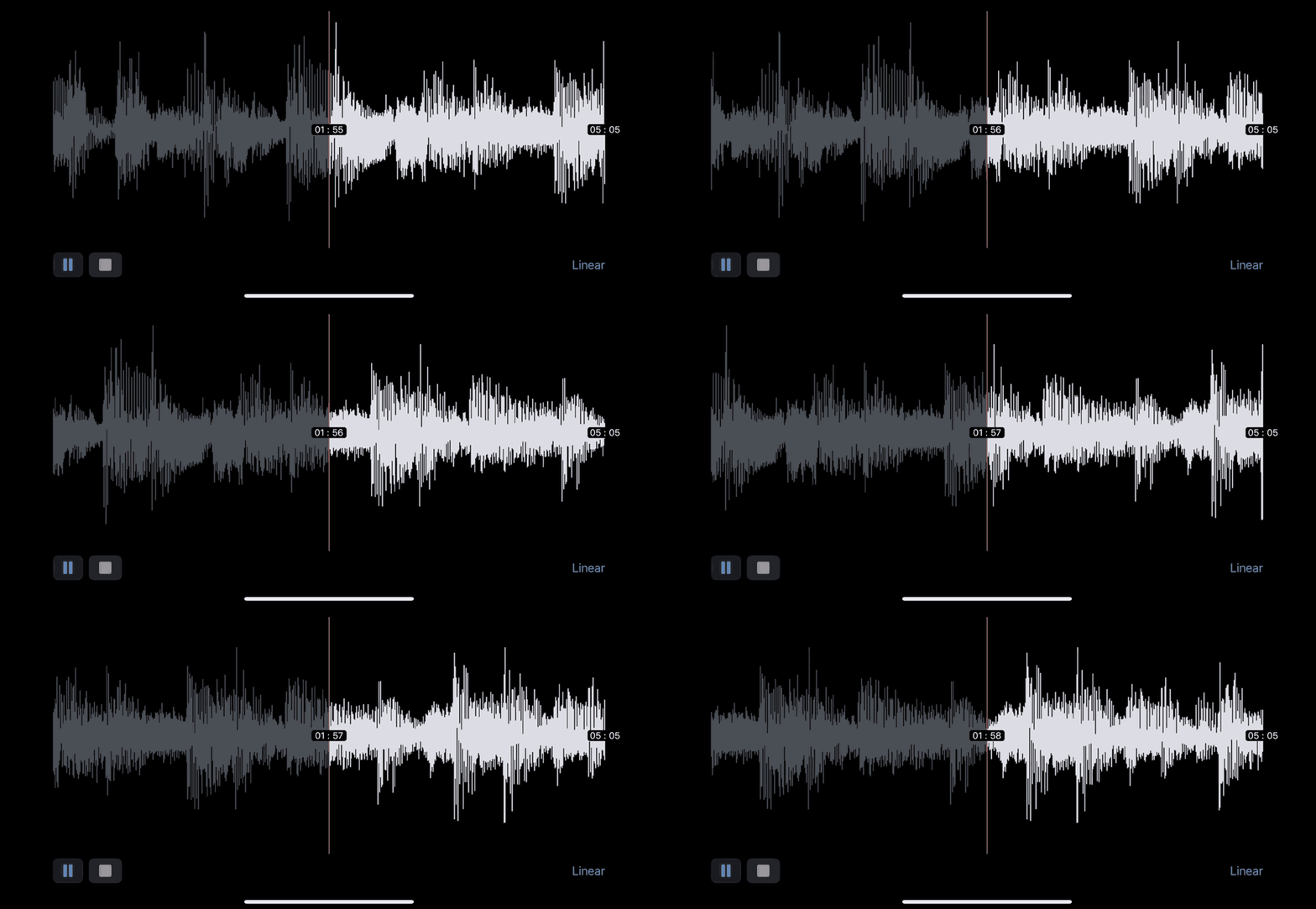
Scroll view during playback. The waveform moves, the playhead does not, and the toggle in the corner reads Linear.
Technology
- Swift and SwiftUI, distributed as a Swift Package Manager package for iOS
- One view with defaulted parameters as the entire public surface
Where it landed
Published as a Swift package in January 2024. A couple of dozen stars and a handful of forks, which is what a focused component in a narrow niche looks like. I’d rather say that than dress it up.